Urban Analysis Platform
Analyze urban growth, vegetation, and density changes over time.
OlmoEarth leverages satellite imagery and machine learning to track urban evolution. Explore detailed metrics for cities worldwide, comparing data from 2019 to 2024.
Available Cities
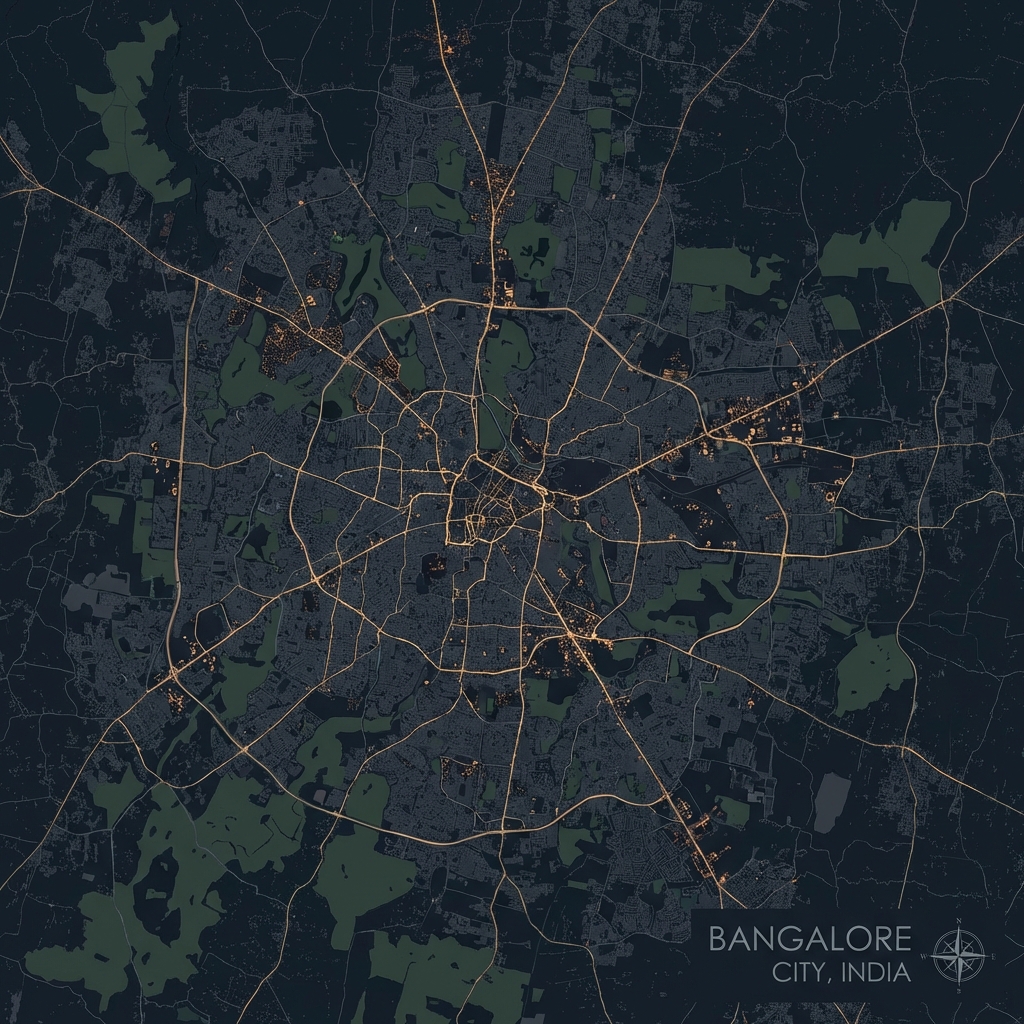
Bangalore
IndiaIT Hub of India. Analysis of rapid urbanization and green cover loss.
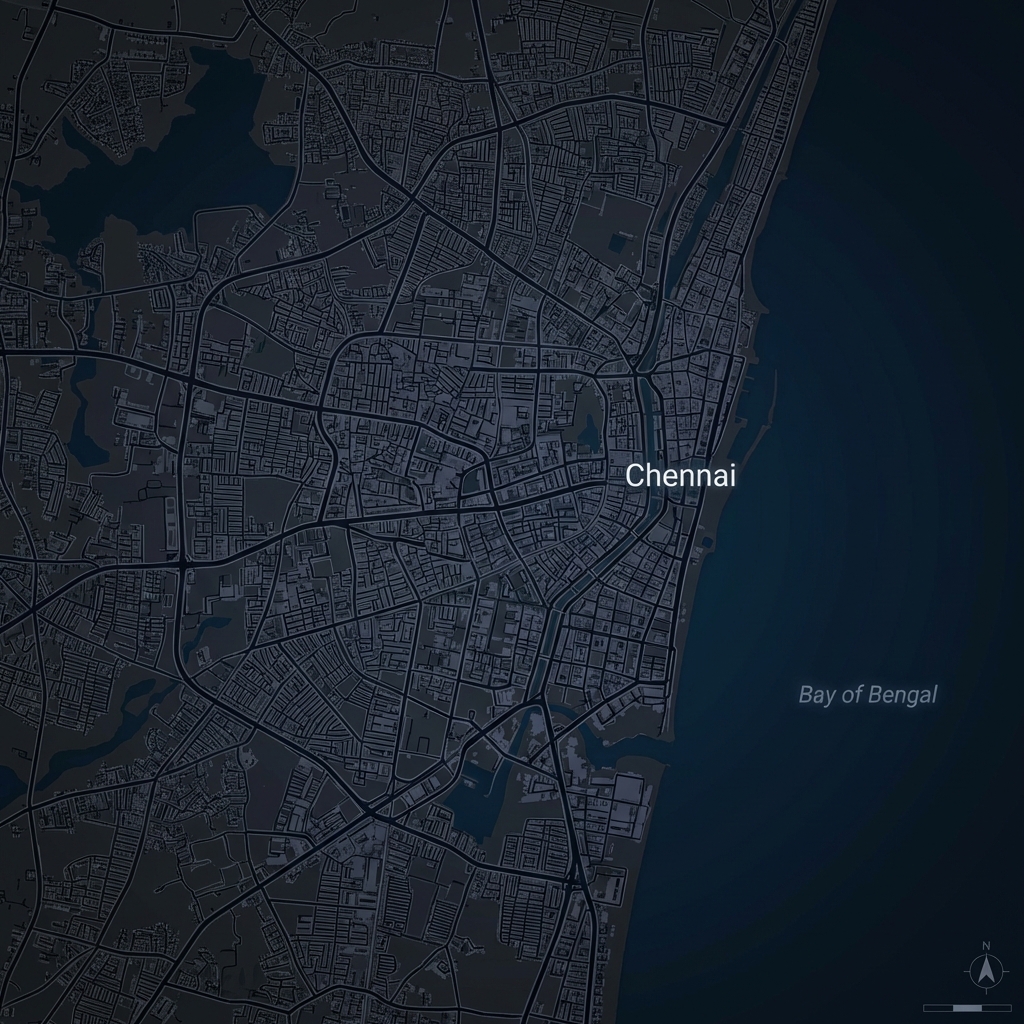
Chennai
IndiaCoastal metropolis. Tracking urban density and vegetation changes.
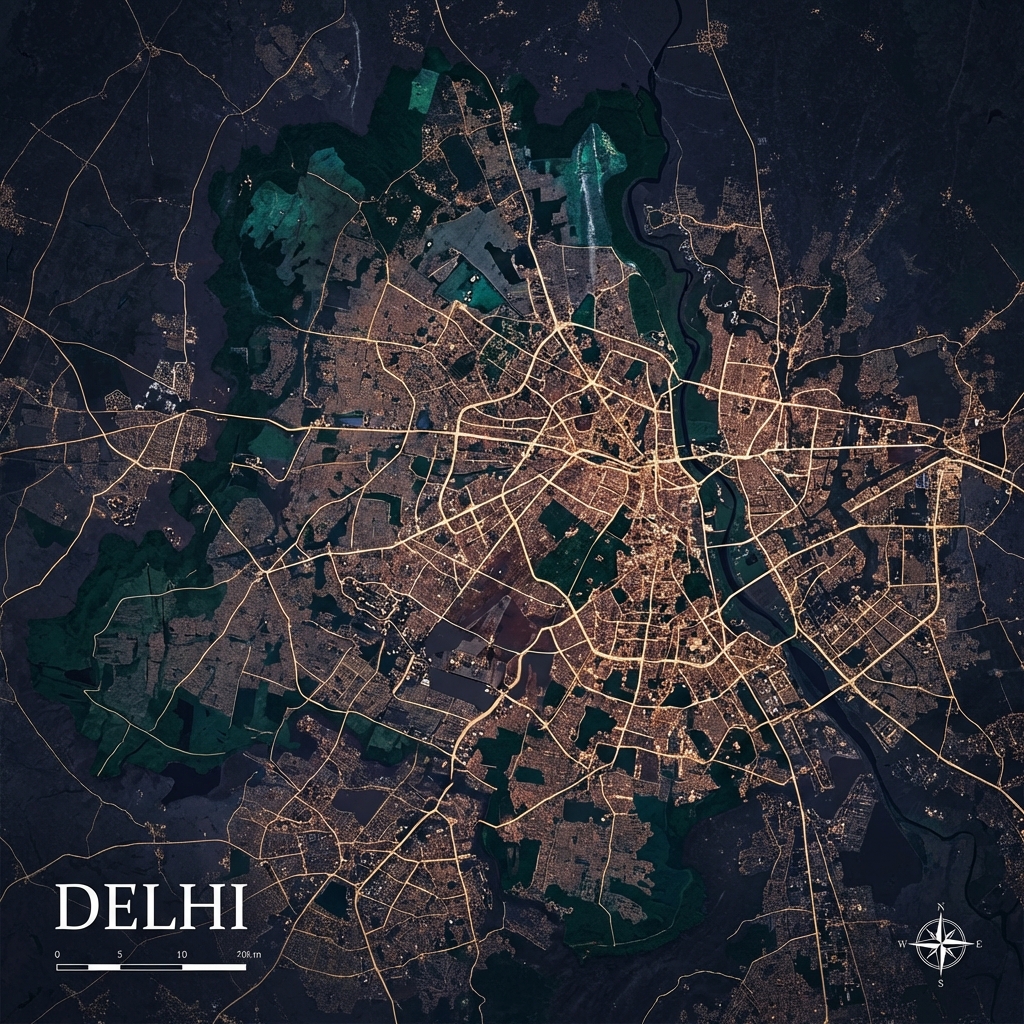
Delhi
IndiaNational Capital Territory. Analysis of urban expansion and green cover.
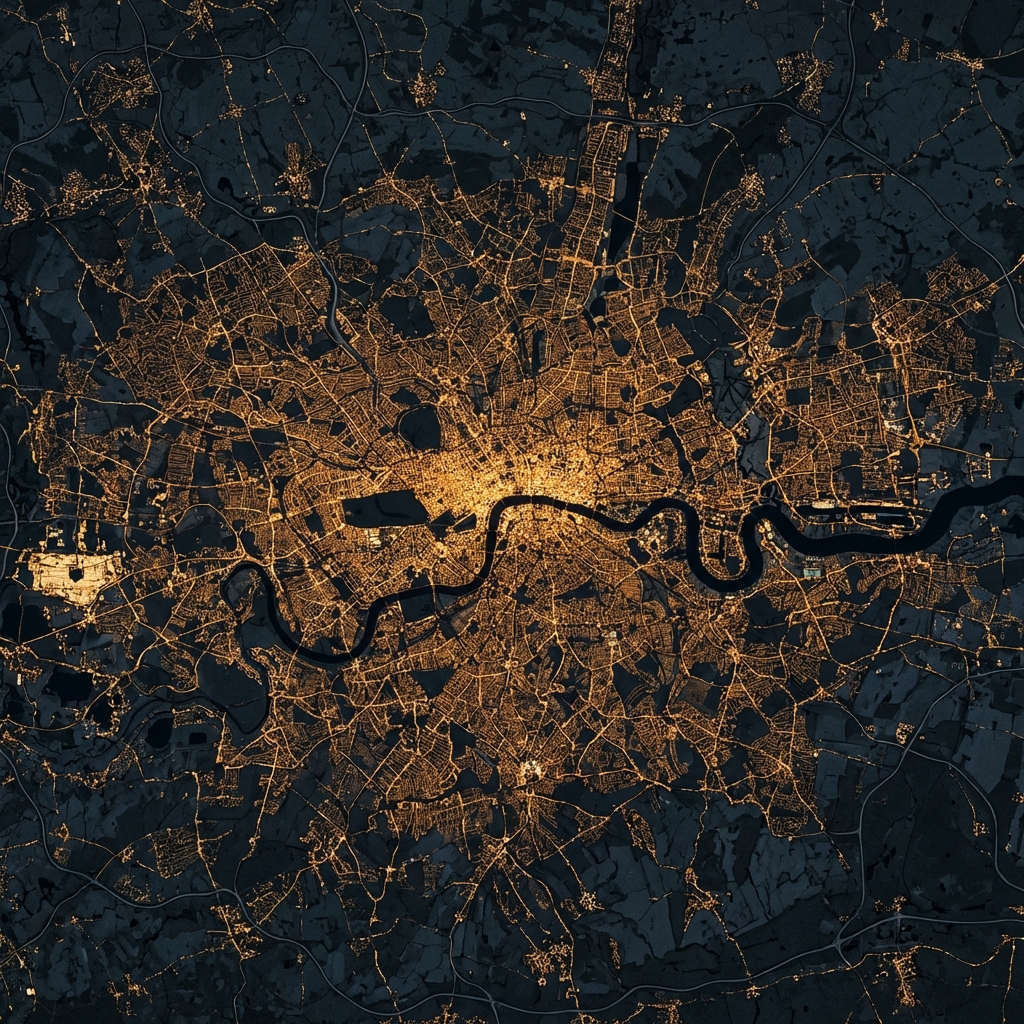
London
UKHistoric Metropolis. Detailed ward-level analysis of urban fabric and vegetation.
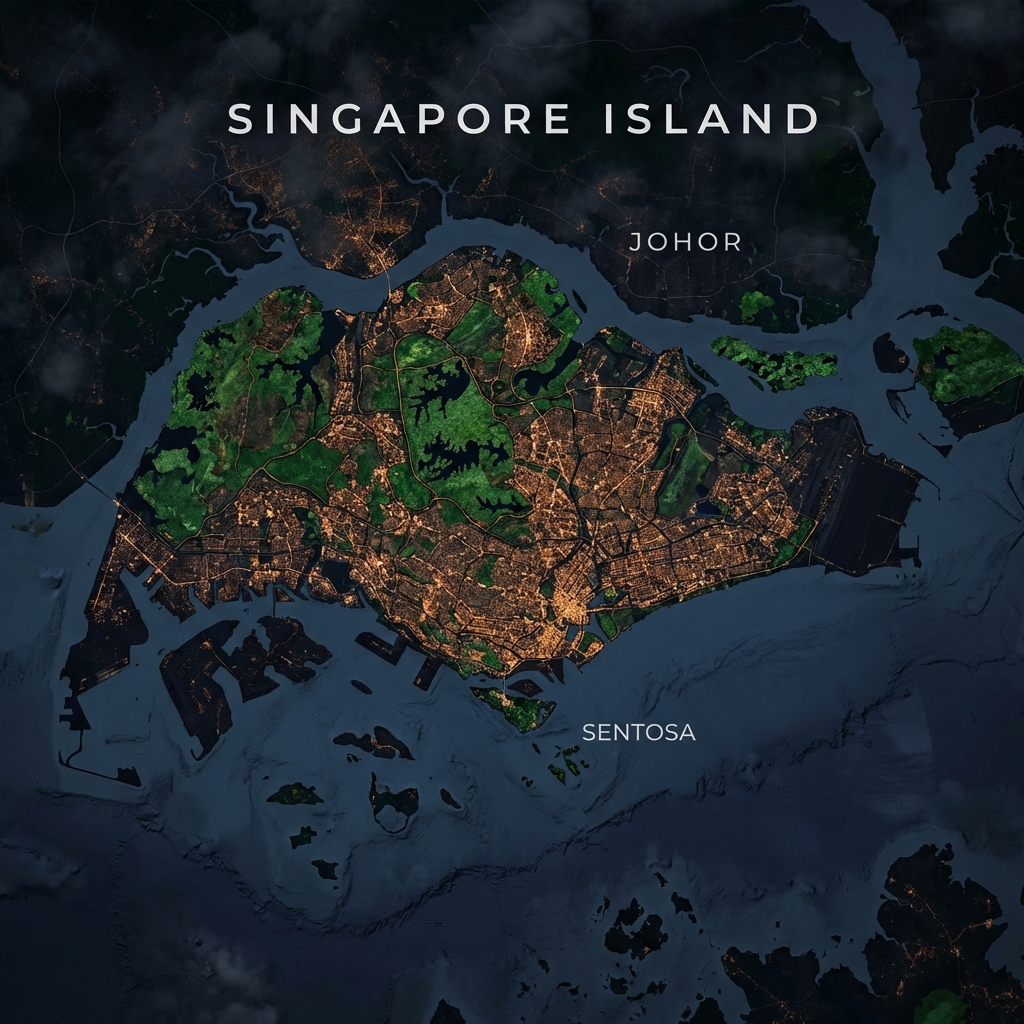
Singapore
AsiaThe Garden City. High-resolution analysis of urban density and tropical vegetation.

Paris
FranceCity of Light. Detailed analysis of urban density and historical preservation.

Mariupol
UkraineResilient Port City. Monitoring urban recovery and vegetational shifts in the Donbas region.
Technical Deep Dive
OlmoEarth Foundation Model
At the core of this platform lies the OlmoEarth Foundation Model, a state-of-the-art vision transformer trained on petabytes of satellite imagery by the Allen Institute for AI.
Unlike traditional remote sensing that relies on simple algebraic band combinations (like NDVI for vegetation), OlmoEarth "sees" the world semantically, understanding texture, context, and complex spatial relationships.
Our Analysis Pipeline
We built an end-to-end automated pipeline to transform raw satellite data into actionable insights.
How to Replicate this Analysis
Massive Data Requirement!
Please note that downloading high-resolution satellite imagery for both 2019 and 2024 for a full city can fetch ~40GB or more of data. Ensure you have sufficient disk space (50GB+ recommended) and a stable internet connection.
This procedure documents the exact workflow used to generate the Kanpur urban analysis. You can adapt these scripts for any other city by updating the GeoJSON and coordinates.
Project Structure Overview
rslearn/                      # Root repository
├── kanpur.geojson            # Ward boundaries (Step 4)
├── create_windows.py         # Windows generation script (Step 5)
├── model.yaml                # Prediction configuration (Step 7)
├── analyze_kanpur.py         # Final analysis script (Step 8)
├── dataset/                  # Dataset directory (Step 3)
│   └── config.json           # rslearn dataset config
└── analysis_results/         # Generated metrics (created by analyze_kanpur.py)
1. Clone the Repository
git clone https://github.com/allenai/rslearn.git
cd rslearn
2. Install Dependencies
To keep OlmoEarth and rslearn compatible, align PyTorch to Version 2.7.1 before installing project libraries.
python3 -m venv venv
source venv/bin/activate
Force-install the unified Torch engine (CUDA 12.4).
pip install torch==2.7.1 torchvision==0.22.1 --extra-index-url https://download.pytorch.org/whl/cu124
Use --no-deps so this doesn’t override
the Torch version above.
pip install -e .[extra] --no-deps
Use --no-deps so this doesn’t override
the Torch version above.
pip install git+https://github.com/allenai/olmoearth_pretrain.git --no-deps
3. Setup Dataset
mkdir dataset
{
  "layers": {
    "sentinel2_l2a": {
      "band_sets": [{
          "bands": ["B01", "B02", "B03", "B04", "B05", "B06", "B07", "B08", "B8A", "B09", "B11", "B12"],
          "dtype": "uint16"
      }],
      "data_source": {
        "class_path": "rslearn.data_sources.planetary_computer.Sentinel2",
        "init_args": {
          "cache_dir": "cache/planetary_computer",
          "harmonize": true,
          "sort_by": "eo:cloud_cover"
        },
        "ingest": true,
        "query_config": {
          "max_matches": 12,
          "period_duration": "30d",
          "space_mode": "PER_PERIOD_MOSAIC"
        }
      },
      "type": "raster"
    },
    "sentinel1": {
      "band_sets": [{
          "bands": ["vv", "vh"],
          "dtype": "float32",
          "nodata_vals": [-32768, -32768]
      }],
      "data_source": {
        "class_path": "rslearn.data_sources.planetary_computer.Sentinel1",
        "init_args": {
          "cache_dir": "cache/planetary_computer",
          "query": {
            "sar:instrument_mode": {"eq": "IW"},
            "sar:polarizations": {"eq": ["VV", "VH"]}
          }
        },
        "ingest": true,
        "query_config": {
          "max_matches": 12,
          "period_duration": "30d",
          "space_mode": "PER_PERIOD_MOSAIC"
        }
      },
      "type": "raster"
    },
    "embeddings": {
      "band_sets": [{
          "dtype": "float32",
          "num_bands": 768
      }],
      "type": "raster"
    }
  }
}
4. Prepare GeoJSON
Place your ward boundary file (e.g.,
kanpur.geojson) in the root directory.
5. Generate Analysis Windows
Create create_windows.py in the root to define the
spatial patches for years 2019 and 2024.
import json
import shapely.geometry
import subprocess
import sys

# --- CONFIGURATION ---
geojson_path = "kanpur.geojson"
dataset_path = "dataset"

# Define your years
time_ranges = [
    ("2019-01-01T00:00:00+00:00", "2019-02-01T00:00:00+00:00", "2019"),
    ("2024-01-01T00:00:00+00:00", "2024-02-01T00:00:00+00:00", "2024")
]

try:
    with open(geojson_path, 'r') as f:
        data = json.load(f)
except FileNotFoundError:
    print(f"ERROR: Could not find file '{geojson_path}'")
    sys.exit(1)

print(f"Processing {len(data['features'])} features...")

for i, feature in enumerate(data['features']):
    geom = shapely.geometry.shape(feature['geometry'])
    bounds = geom.bounds # (minx, miny, maxx, maxy)

    # rslearn expects: minx,miny,maxx,maxy for --box
    box_str = f"{bounds[0]},{bounds[1]},{bounds[2]},{bounds[3]}"

    for start, end, suffix in time_ranges:
        window_name = f"region_{i}_{suffix}"

        cmd = [
            "rslearn", "dataset", "add_windows",
            "--root", dataset_path,
            "--group", "default",
            "--name", window_name,
            "--box", box_str,
            "--start", start,
            "--end", end,
            "--src_crs", "EPSG:4326",
            "--utm",
            "--resolution", "10"
        ]
        subprocess.run(cmd, check=True, capture_output=True)
        print(".", end="", flush=True)

print("\nDone! Windows created. Now run Prepare -> Ingest -> Materialize.")
python create_windows.py
6. Download Satellite Imagery
Searches for available scenes matching your dates.
rslearn dataset prepare --root dataset --workers 4
Downloads individual tiles to local storage.
rslearn dataset ingest --root dataset --workers 4 --no-use-initial-job
Crops and mosaics the ingested tiles into the windows defined in Step 5.
rslearn dataset materialize --root dataset --workers 4 --no-use-initial-job
7. Generate OlmoEarth Embeddings
Create model.yaml in the root to configure the
prediction head:
model:
  class_path: rslearn.train.lightning_module.RslearnLightningModule
  init_args:
    model:
      class_path: rslearn.models.singletask.SingleTaskModel
      init_args:
        encoder:
          - class_path: rslearn.models.olmoearth_pretrain.model.OlmoEarth
            init_args:
              model_id: OLMOEARTH_V1_BASE
              patch_size: 4
        decoder:
          - class_path: rslearn.train.tasks.embedding.EmbeddingHead
    optimizer:
      class_path: rslearn.train.optimizer.AdamW
data:
  class_path: rslearn.train.data_module.RslearnDataModule
  init_args:
    path: ${DATASET_PATH}
    inputs:
      sentinel2_l2a:
        data_type: "raster"
        layers: ["sentinel2_l2a"]
        # Ensure B08 and B8A are both here
        bands: ["B01", "B02", "B03", "B04", "B05", "B06", "B07", "B08", "B8A", "B09", "B11", "B12"]
        passthrough: true
        dtype: FLOAT32
        load_all_layers: true
      sentinel1:
        data_type: "raster"
        layers: ["sentinel1"]
        bands: ["vv", "vh"]
        passthrough: true
        dtype: FLOAT32
        load_all_layers: true
    task:
      class_path: rslearn.train.tasks.embedding.EmbeddingTask
    batch_size: 1
    num_workers: 4
    predict_config:
      transforms:
        - class_path: rslearn.models.olmoearth_pretrain.norm.OlmoEarthNormalize
          init_args:
            band_names:
              sentinel2_l2a: ["B01", "B02", "B03", "B04", "B05", "B06", "B07", "B08", "B8A", "B09", "B11", "B12"]
              sentinel1: ["vv", "vh"]
      load_all_patches: true
      patch_size: 64
      overlap_ratio: 0.5
trainer:
  callbacks:
    - class_path: rslearn.train.prediction_writer.RslearnWriter
      init_args:
        path: ${DATASET_PATH}
        output_layer: embeddings
        merger:
          class_path: rslearn.train.prediction_writer.RasterMerger
          init_args:
            padding: 4
            downsample_factor: 4
export DATASET_PATH=dataset
python -m rslearn.main model predict --config model.yaml
8. Compute Urban Metrics
Run the final analysis script to extract metrics from the embeddings:
"""Analyze OlmoEarth embeddings for Kanpur to compute urban metrics with global scaling and ward mapping."""

import json
import numpy as np
import rasterio
from pathlib import Path
from sklearn.decomposition import PCA
from sklearn.preprocessing import StandardScaler
import matplotlib.pyplot as plt
import tqdm

# Configuration
DATASET_PATH = Path("dataset")
WINDOWS_PATH = DATASET_PATH / "windows" / "default"
GEOJSON_PATH = Path("kanpur.geojson")
OUTPUT_PATH = Path("analysis_results")
OUTPUT_PATH.mkdir(exist_ok=True)
PCA_PREVIEW_DIR = OUTPUT_PATH / "pca_components"

# Calibrate these after inspecting the PCA previews or correlating with NDVI.
VEG_COMPONENT = 0
URBAN_COMPONENT = 1
CALIBRATION_SAMPLE_COUNT = 3

def get_ward_mapping():
    try:
        with open(GEOJSON_PATH, 'r') as f:
            data = json.load(f)
        mapping = {}
        for i, feature in enumerate(data['features']):
            ward_name = feature['properties'].get('Ward Name', f"Region {i}")
            mapping[i] = ward_name
        return mapping
    except Exception as e:
        print(f"Warning: {e}")
        return {}

def load_embedding(window_path):
    embedding_dir = window_path / "layers" / "embeddings"
    if not embedding_dir.exists(): return None
    subdirs = [d for d in embedding_dir.iterdir() if d.is_dir() and d.name != 'completed']
    if not subdirs: return None
    geotiff_path = subdirs[0] / "geotiff.tif"
    try:
        with rasterio.open(geotiff_path) as src:
            return src.read()
    except: return None

def fit_global_model(windows_path):
    all_pixels = []
    windows = [w for w in windows_path.iterdir() if w.is_dir()]
    sample_windows = np.random.choice(windows, min(len(windows), 20), replace=False)
    for window_path in tqdm.tqdm(sample_windows, desc="Sampling embeddings"):
        embedding = load_embedding(window_path)
        if embedding is not None:
            C, H, W = embedding.shape
            pixels = embedding.reshape(C, -1).T
            idx = np.random.choice(pixels.shape[0], min(pixels.shape[0], 500), replace=False)
            all_pixels.append(pixels[idx])
    X = np.vstack(all_pixels)
    scaler = StandardScaler().fit(X)
    X_scaled = scaler.transform(X)
    pca = PCA(n_components=4).fit(X_scaled)
    return scaler, pca

def save_component_pngs(components, out_dir, window_name, max_components=4):
    out_dir.mkdir(parents=True, exist_ok=True)
    for i in range(min(components.shape[0], max_components)):
        plt.figure(figsize=(4, 4))
        plt.imshow(components[i], cmap="viridis")
        plt.axis("off")
        plt.tight_layout()
        plt.savefig(out_dir / f"{window_name}_pc{i+1}.png", dpi=150)
        plt.close()

def main():
    ward_mapping = get_ward_mapping()
    scaler, pca = fit_global_model(WINDOWS_PATH)
    windows = sorted([w for w in WINDOWS_PATH.iterdir() if w.is_dir()])
    results = {}
    saved_previews = 0
    for window_path in tqdm.tqdm(windows, desc="Analyzing"):
        window_name = window_path.name
        idx = int(window_name.split('_')[1])
        ward_name = ward_mapping.get(idx, window_name)
        embedding = load_embedding(window_path)
        if embedding is None: continue
        C, H, W = embedding.shape
        pixels = embedding.reshape(C, -1).T
        components = pca.transform(scaler.transform(pixels)).T.reshape(4, H, W)
        if saved_previews < CALIBRATION_SAMPLE_COUNT:
            save_component_pngs(components, PCA_PREVIEW_DIR, window_name)
            saved_previews += 1
        results[window_name] = {
            'ward_name': ward_name,
            'metrics': {
                'vegetation_mean': float(np.mean(components[VEG_COMPONENT])),
                'urban_density_mean': float(np.mean(components[URBAN_COMPONENT])),
            }
        }

    # Compute changes
    changes = {}
    regions = {}
    for window_name, data in results.items():
        parts = window_name.split('_')
        region_id, year = parts[1], parts[2]
        if region_id not in regions: regions[region_id] = {}
        regions[region_id][year] = data

    for rid, years_data in regions.items():
        if '2019' in years_data and '2024' in years_data:
            ward_name = years_data['2019']['ward_name']
            d19, d24 = years_data['2019']['metrics'], years_data['2024']['metrics']
            changes[ward_name] = {
                'vegetation_change': d24['vegetation_mean'] - d19['vegetation_mean'],
                'urban_density_change': d24['urban_density_mean'] - d19['urban_density_mean']
            }

    with open(OUTPUT_PATH / "temporal_changes.json", 'w') as f:
        json.dump(changes, f, indent=2)
    print("\n✓ Analysis complete.")

if __name__ == "__main__":
    main()
python analyze_kanpur.py